

Connect a motor straight to an Arduino pin and nothing useful happens. The motor twitches, or the board resets. The fix is a motor driver module for Arduino, a small board that sits between your Arduino and your motors. This guide explains how a motor driver module for Arduino works, where it is used and how to choose one.
What Is a Motor Driver Module for Arduino?
A motor driver module for Arduino is a small circuit board that lets a low-power microcontroller control a high-power motor. An Arduino pin can safely supply only around 20 mA, while even a small DC motor draws hundreds of milliamps. The module takes the weak signal from the Arduino and switches a separate battery on and off for the motor. It also reverses direction and changes speed, which is why almost every beginner robot uses a DC motor driver board somewhere in the circuit.
How Does an Arduino Motor Control Module Work?
An Arduino motor control module uses a circuit called an H-bridge. Imagine four switches arranged like the letter H, with the motor in the middle. Closing one diagonal pair sends current one way through the motor, and closing the other pair reverses it. Two input pins set the direction, and an enable pin receives a PWM signal from the Arduino to set the speed. A higher PWM value means more average power, so the motor spins faster.
Diodes on the board absorb voltage spikes, and because the motors run on a separate supply, your Arduino stays protected. That isolation is the main job of any motor driver module for Arduino.
L298N Motor Driver Uses in Electronics and Robotics Projects
The L298N is the most popular board for beginners, and it is the motor driver module for Arduino you will see in most tutorials. Common L298N motor driver uses include driving two DC motors on a robot car, controlling one stepper motor, building RC cars and rovers, and running small pumps, fans and conveyor models.
It accepts roughly 5V to 35V and handles about 2A per channel, which suits most hobby gear motors. Note that it drops around 2V and gets warm in long runs. These practical L298N motor driver uses also make it a good motor driver module for school projects.
How to Use a Motor Driver for a Robot Car?
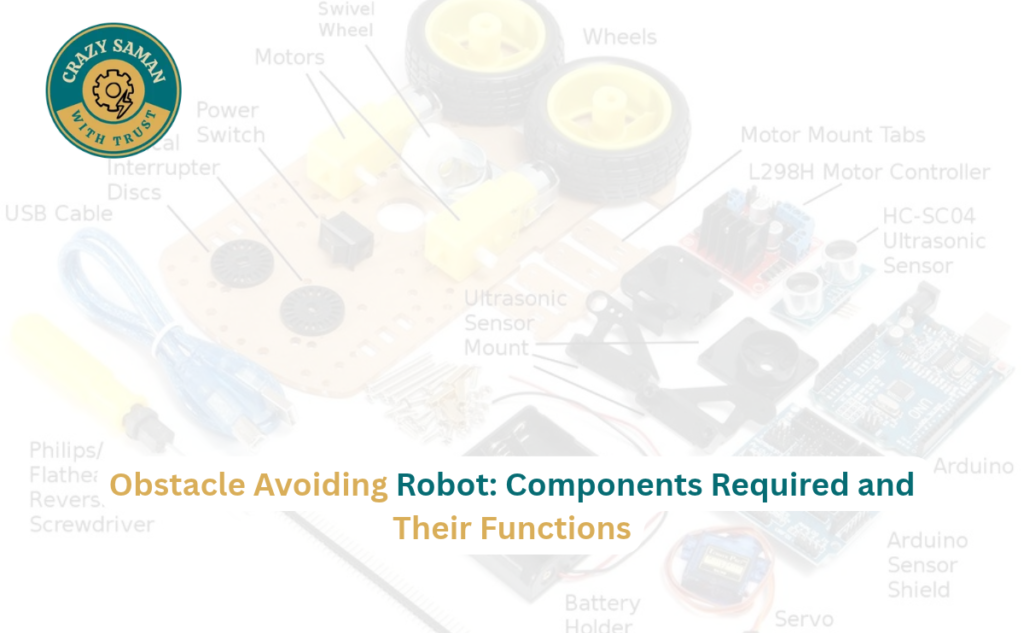
Choosing a motor driver for robot car projects is easy once you know the parts: an Arduino, a driver board, two DC gear motors, a chassis and a battery pack. Connect one motor to each output. Run both forward to go straight, run one forward and one backward to spin on the spot, and use PWM for gentle turns. Add an ultrasonic sensor and the car can avoid obstacles by itself.
A good motor driver for robot car builds must match the motors’ current rating, with some margin. The right motor driver module for Arduino plus a healthy battery saves you from weak performance and burnt boards.
Types of DC Motor Driver Boards and Their Applications
Not every project needs an L298N. Common options are:
- L298N: general purpose, about 2A per channel, ideal for robot cars and learning
- L293D: smaller, about 600 mA per channel, suited to light toy motors
- TB6612FNG: more efficient and cooler, good for compact battery robots
Each DC motor driver board suits a different current level, so check your motor’s stall current first. A bigger motor driver module for Arduino is not always better; the right match saves money and heat.
How to Connect a Motor Driver Module to Arduino?
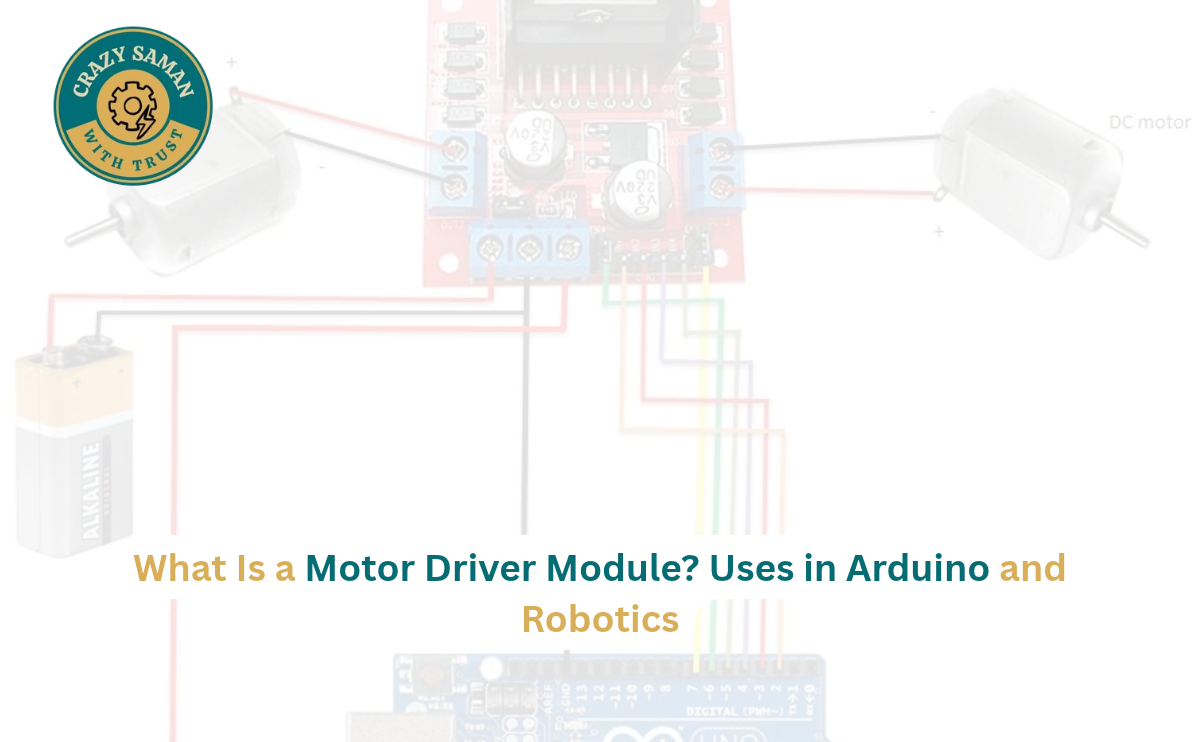
Wiring a motor driver module for Arduino takes only a few minutes. For a typical L298N:
- Connect the motor to OUT1 and OUT2.
- Connect the battery positive to the 12V terminal and the negative to GND.
- Join the driver GND to the Arduino GND. A common ground is essential.
- Connect IN1 and IN2 to digital pins and ENA to a PWM pin, then upload a sketch that uses digitalWrite for direction and analogWrite for speed.
Check polarity before switching on, and start with a low speed value. If the motor spins the wrong way, swap its two wires. Once this Arduino motor control module setup works, a second motor just repeats the same steps.
Motor Driver Module for School Projects and Science Exhibitions
A motor driver module for school projects brings a model to life. Popular ideas include a line-follower robot, an obstacle-avoiding car, a mini conveyor belt, a desk fan model and an automatic dustbin lid. Judges like them because the working principle is easy to explain.
For an exhibition, keep the wiring neat, label every wire and carry a spare battery. Pick a motor driver module for Arduino that you understand fully, not one you only copied.
How to Choose the Right Motor Driver Module for Your Project?
Check four things before buying:
- Current rating: higher than your motor’s running current
- Voltage range: it must suit your battery or adapter
- Channels: two for a car, one for a single motor
- Size and heat: larger boards may need a heatsink
For a first build, a basic L298N is hard to beat. Ask what your project needs, and the right motor driver module for Arduino usually becomes obvious.
Motor Driver Modules Available at CRAZY SAMAN
Looking for electronic components for your school project or robot? CRAZY SAMAN offers Arduino boards, sensors, jumper wires, breadboards, DC motors and electronic modules for school projects, science exhibitions, robotics and DIY experiments. Customers near Sultanpuri, Delhi can ask about local delivery through Porter, subject to availability and delivery charges, or call ahead to confirm stock and arrange pickup. We aim to keep prices competitive, and you are welcome to compare with Amazon, Flipkart, Meesho and other platforms before buying. Browse crazysaman.com or call 9289245581 to discuss your requirements, bulk orders, pricing and delivery, and ask about a motor driver module for Arduino before you visit.
Frequently Asked Questions About Motor Driver Modules
Can I run a motor without a motor driver module for Arduino?
No. The pin cannot supply enough current, and the motor’s back voltage can damage the board. A motor driver module for Arduino is the safe way.
Which motor driver module for Arduino is best for beginners?
The L298N is the best motor driver module for Arduino beginners, thanks to its low cost, simple wiring and many tutorials.
Do I need a separate battery for a motor driver module for Arduino?
Yes. Power the motors from their own battery or adapter, and join the grounds together.
Why does my L298N get hot?
It wastes some power as heat, especially at higher current. Add a heatsink, or use a more efficient board for heavy loads.
Do servo motors need a driver?
Usually not. Small servos connect directly to the Arduino, though larger ones need an external supply.
📦 Order Your Components Today
Crazy Saman — Delhi’s Best Electronic Components Store
🌐 Website: crazysaman.com 📞 Call / WhatsApp: 9289245581 📍 Location: Delhi, India — Pan-India Delivery Available ⏰ Business Hours: Monday to Saturday | 10:00 AM – 7:00 PM